• Professional Manufacturer and Supplier
  • +86 139 2922 0402
  • sales@terismond.com
    logologologologo
    • Home
    • Products
      • Magic Wand
        • Indoor
        • Outdoor
      • Smart Plug Outlet
        • Smart Wifi Plug
        • RF Plug
      • LED Downlight
        • Smart Wifi Downlight
        • 3CCT PC Downlight
        • Aluminum Downlight
      • LED Ceiling Light
        • 3CCT Dimmable
        • Smart Wifi Ceiling
      • Emergency&Motion Sensor Light
      • Tri-Proof Light
      • UFO High Bay Light
      • Solar Lights
        • Solar Landscape
      • Electrical Accessories
    • PDF Download
    • Video
    • News
    • About Us
    • Contact Us
    Get a Quote

      captcha
      • Home
      • News
      • How to Connect Smart Plug to Google Assistant

      How to Connect Smart Plug to Google Assistant

      Smart Plug-in Dimmer

      Wi-Fi 2.4GHz & Bluetooth

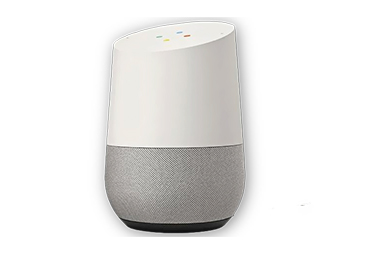
      How to Connect Smart Plug to Google Assistant

      Preparation

      1. Make sure the smart plug has been added to the Smart Life App and that the device is online. If not, please follow the instructions below (How to add the smart plug to Smart Life App) to add the device
      2. Make sure the Google Home App is installed


      Start

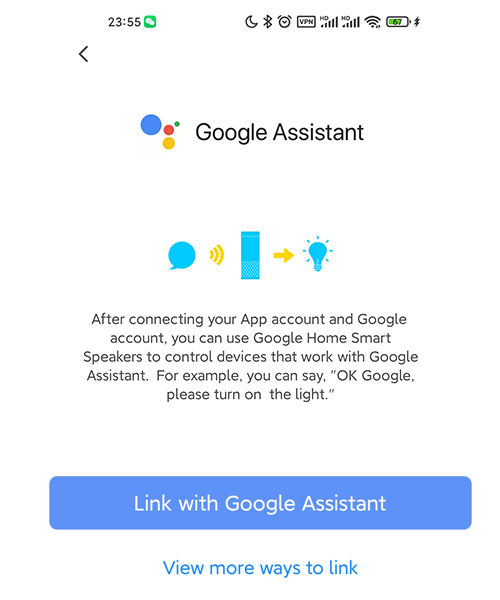
      2. The Smart Life App will pull up the Google Home App, click Link
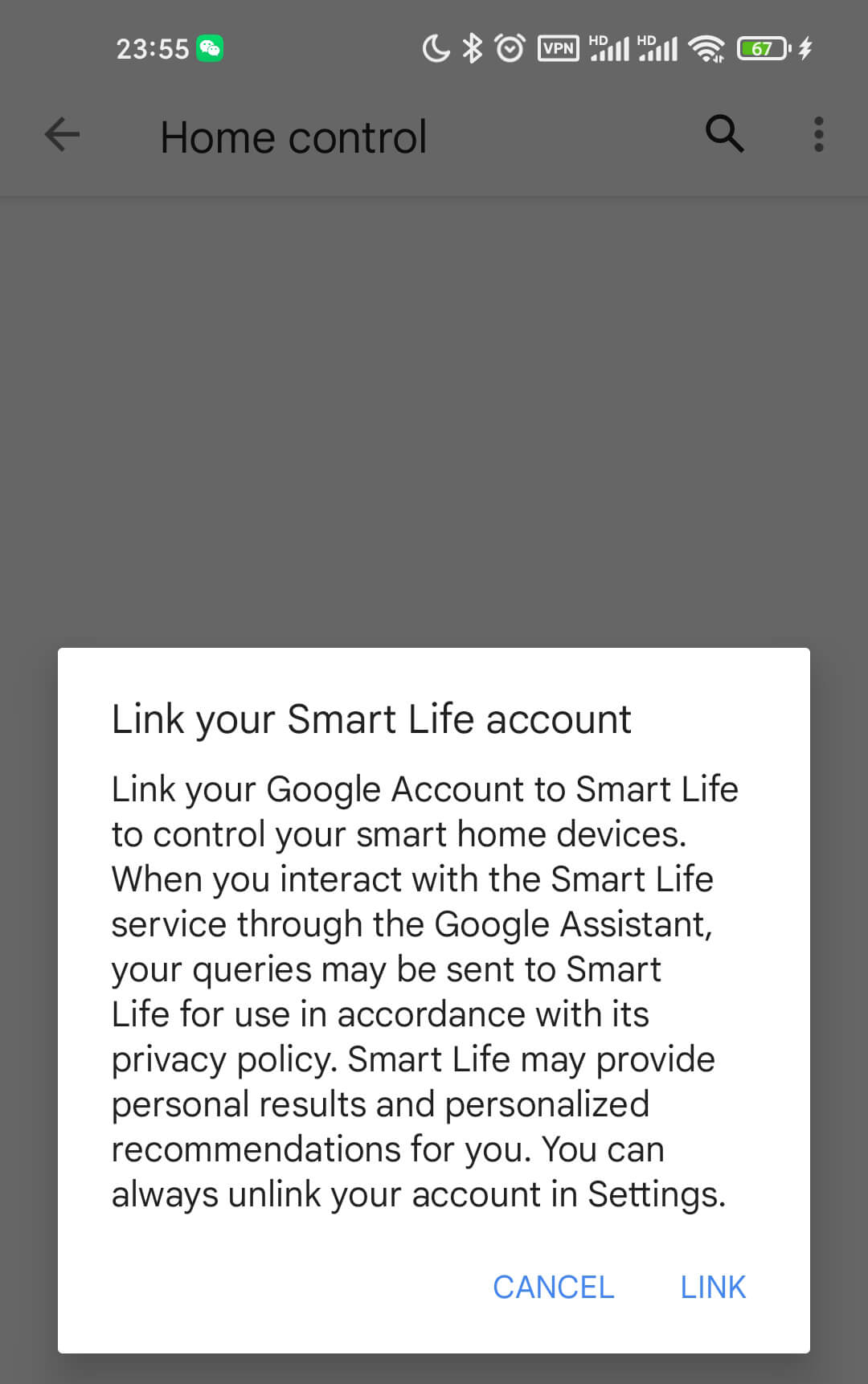
      3. Click Agree and Link
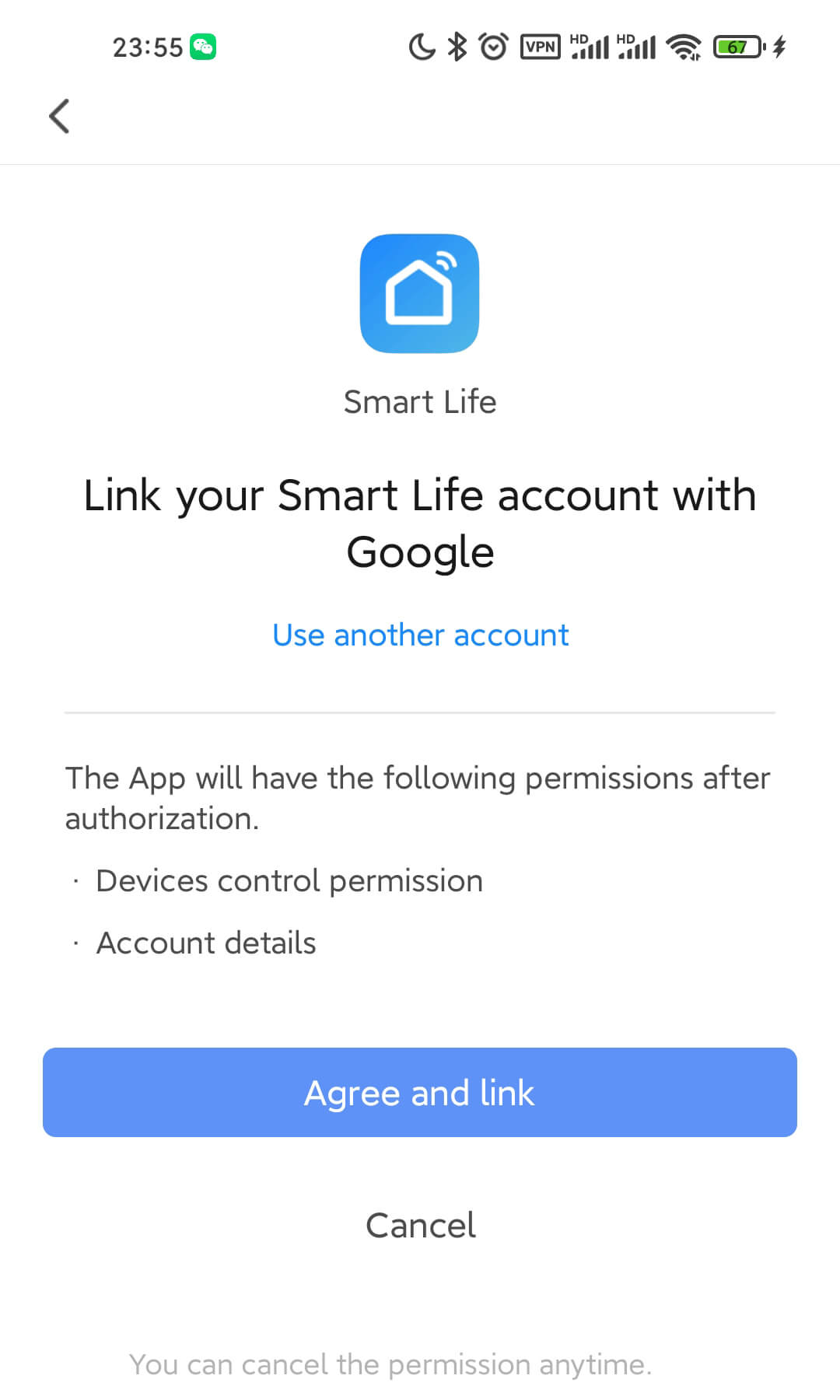
      4. Wait for it to finish loading and your smart device will be synced to Google Assistant. Now you can use Google Assistant or Google Home App to control your smart devices. Next, you can assign rooms to your devices in the Google Home App.
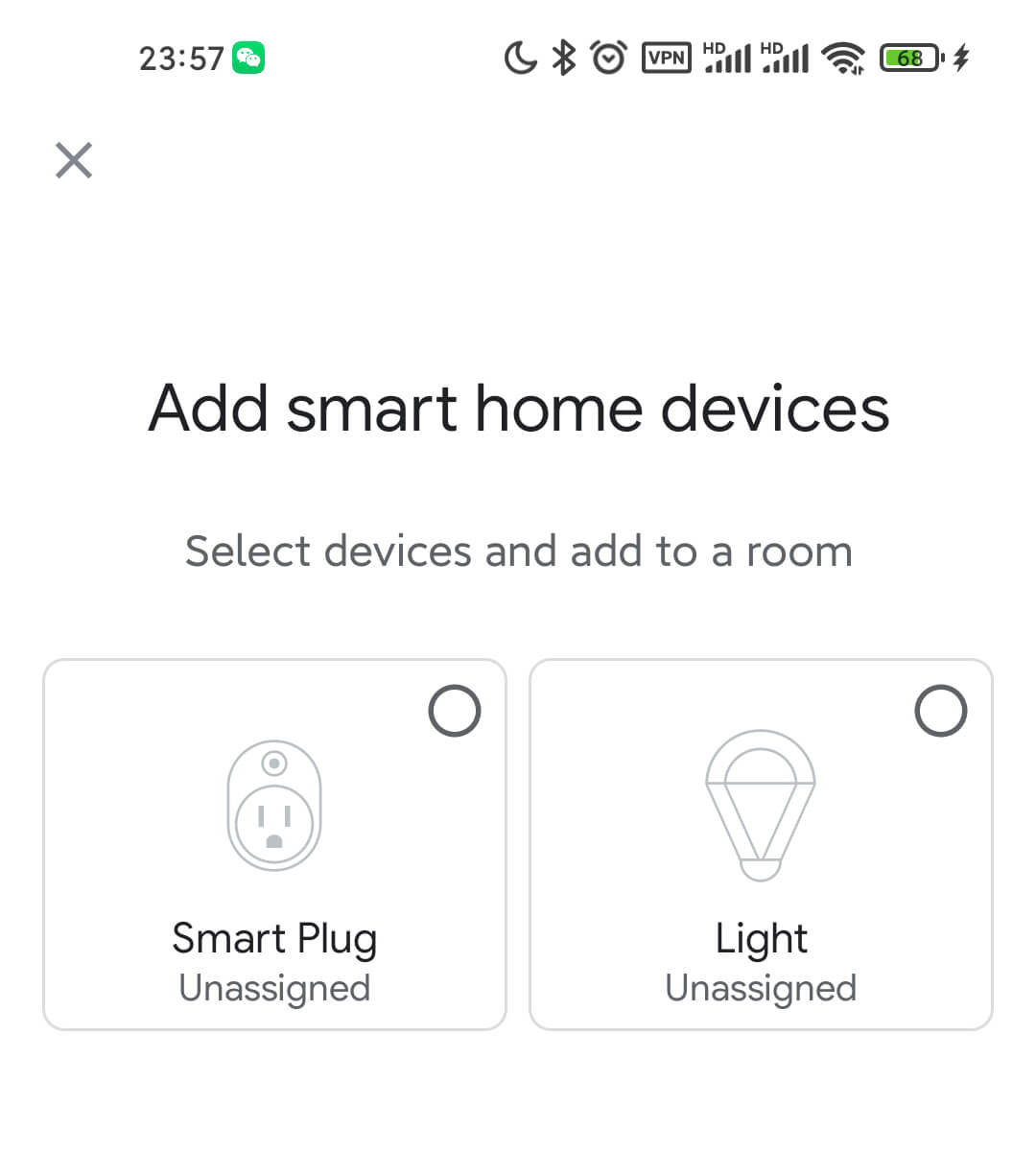
      If you don’t have the Smart Life App installed on your phone, there is another way:


      1. Open the Google Home App and tap the plus in the top left corner
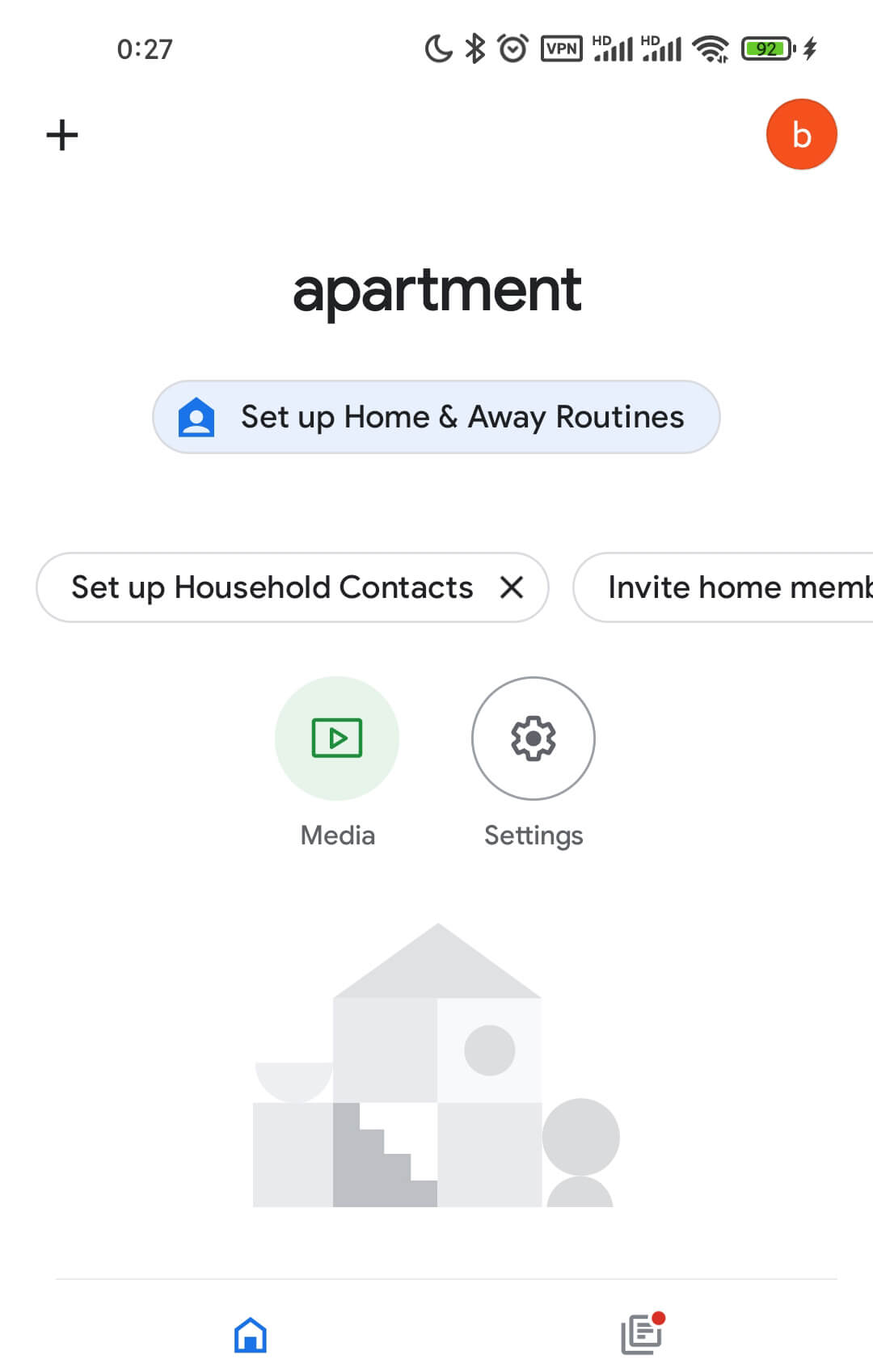
      1. Click on Set up device

      3. Click Works with Google

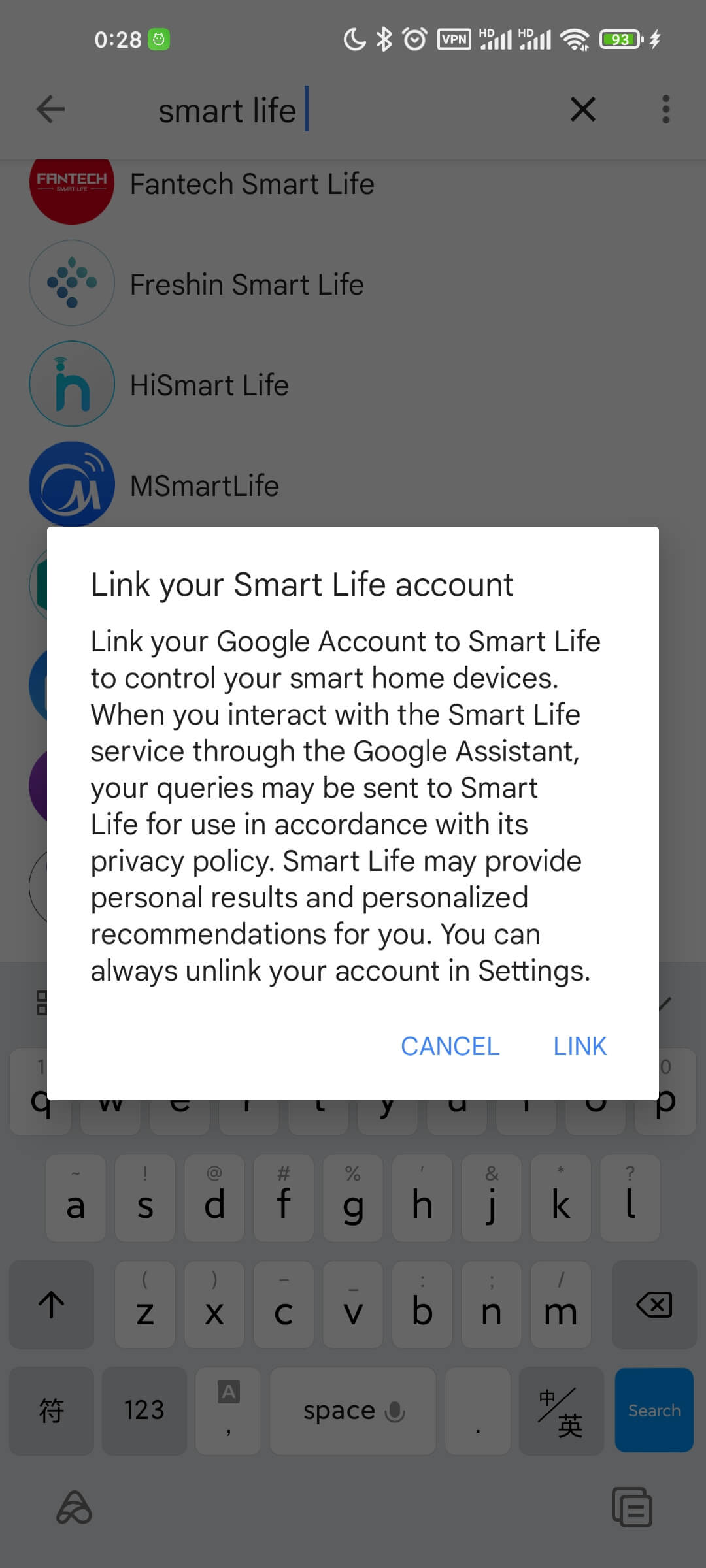
      1. Tap the magnifying glass to search for Smart Life and tap Smart Life
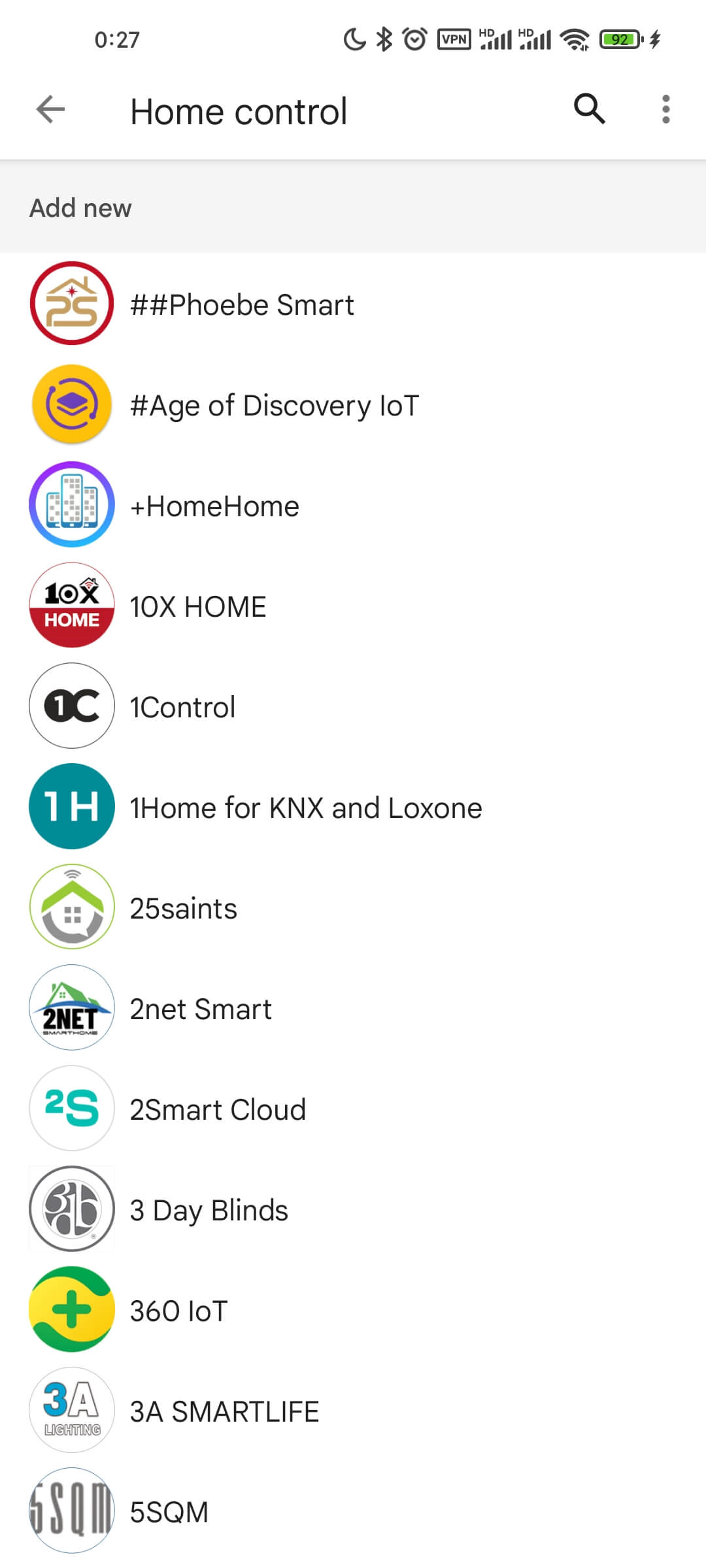
      1. Click Link

      6. This will open the Smart Life App login page, you can enter the Smart Life App account password to complete the authorization

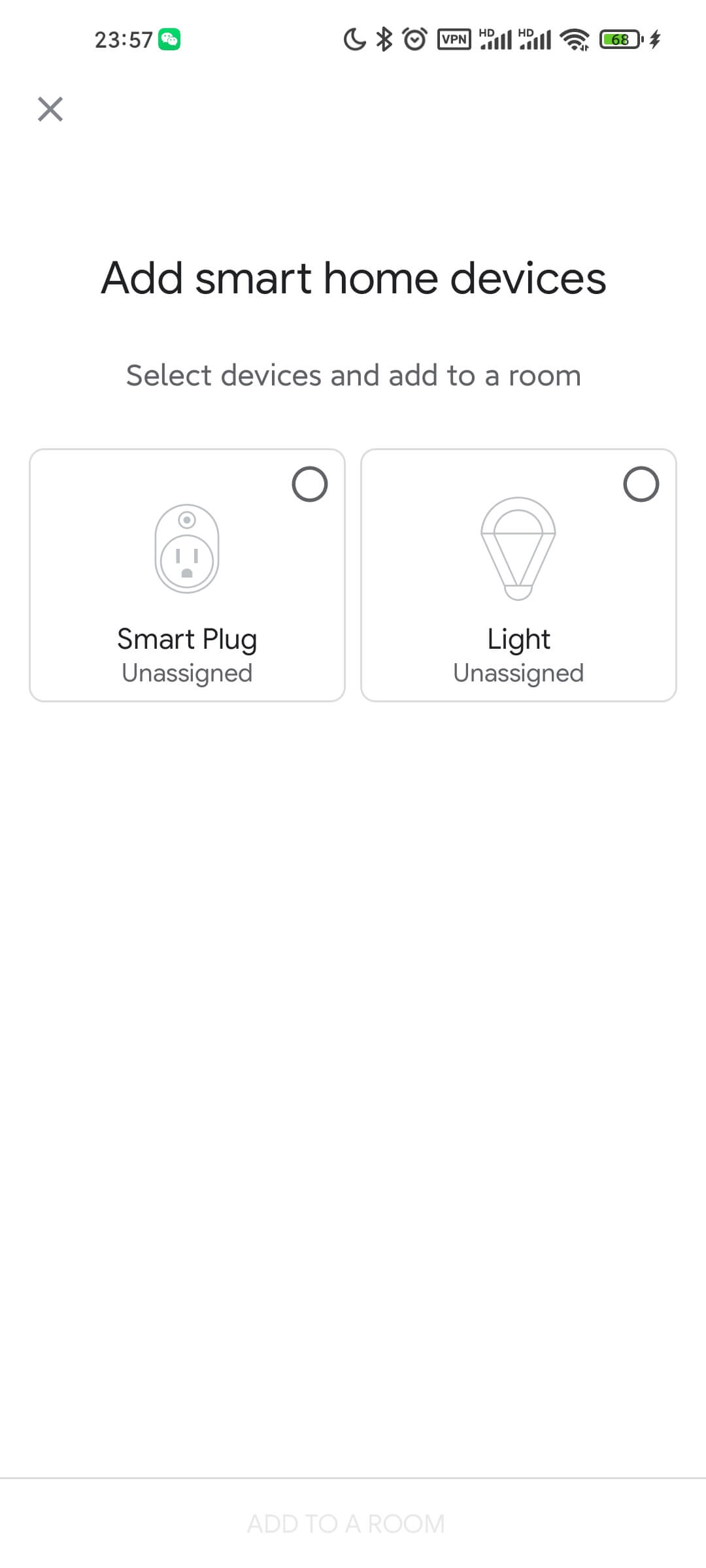
                      

      Note: The App account in China does not support the use of Google Assistant. If you need to use Google Assistant, please register a non-China App account, such as a US account.
      Please CLICK HERE to Download PDF manual instructions.
      Share

      Related posts

      2022-07-01

      Terismond Smart Plug List


      Read more
      2022-06-29

      Customer Questions & Answers About Smart Plug Dimmer


      Read more
      2022-06-20

      How to Pair and Connect Smart Plug to Wifi or Tuya App


      Read more

      GET IN TOUCH WITH US!

      Get A Quote

        captcha

        Terismond is Committed to Focus on Quality and Provide Each Customer with the Highest Standard of Customer Service.

        86-139 2922 0402

        sales@terismond.com

        B406 Zhao Zhang Building,No.2 Shuanglong Road,Chang’an Town,Dongguan City, Guangdong, China

        Send Us Message


          captcha

          Recent Posts

          • Terismond Smart Plug List 2022-07-01
          • Customer Questions & Answers About Smart Plug Dimmer 2022-06-29
          • How to Pair and Connect Smart Plug to Wifi or Tuya App 2022-06-20
          © 2015 Terismond. All Rights Reserved. Terismond

            captcha